

Build products people trust, in English and Arabic.
The Truvar.ai design system: 230+ accessible React components, design tokens and full right-to-left support, made to feel native on every phone.
pnpm add @truvar-ai/design-systemI found 3 free times on Tuesday. Shall I book 10:30?
- Checked the calendar
- Found 3 free times
- Waiting for your OK
- Built on React Aria
- Next.js, Vite and Electron
- Design tokens (DTCG)
- English and Arabic
- Open source, MIT
Why Truvar
Everything a serious product needs, from day one
Stop rebuilding the basics. Start from components that are already accessible, bilingual and tested on phones.
ممكن أنقل موعدي ليوم الخميس الساعة ٤ العصر؟
Arabic-first, not an afterthought
Layouts mirror with logical CSS. Dates, numbers, calendars and keyboard arrows follow the language, and each Arabic font is paired with its English partner.
Accessible by default
Keyboard, focus and screen reader behaviour come from React Aria, so every component works for everyone.
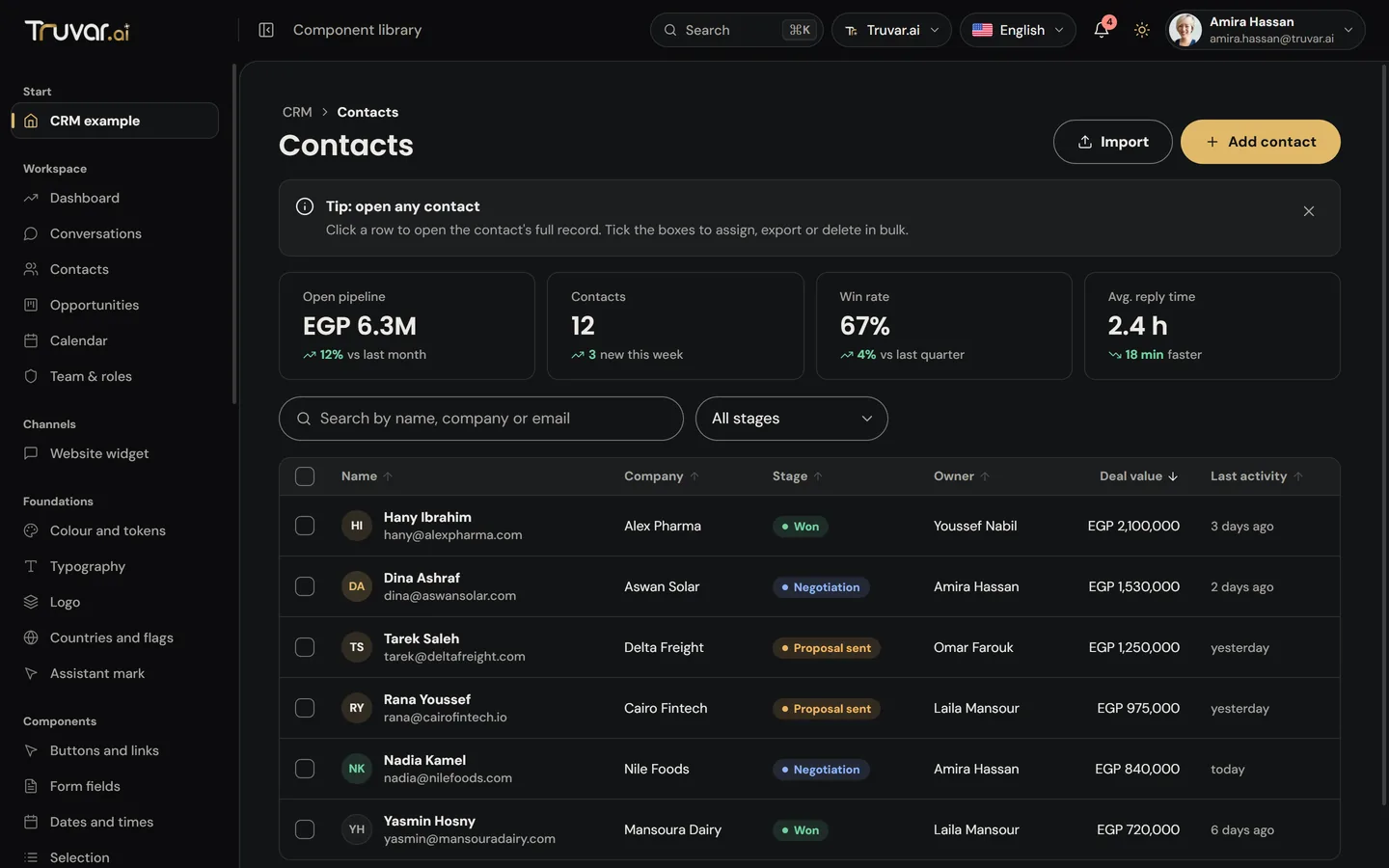
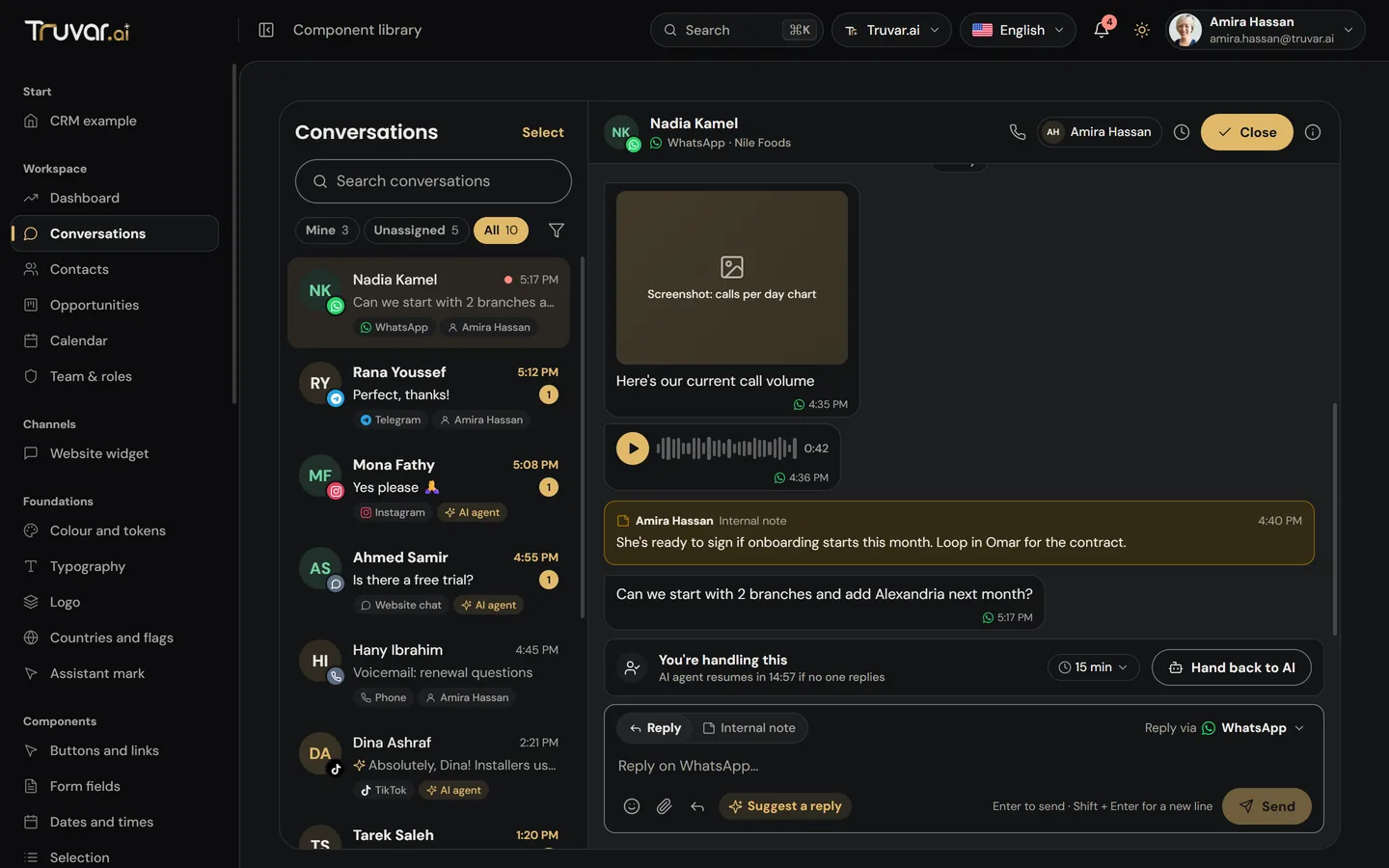
Light and dark
Both themes are built in and follow the device, or set one yourself.
Inbox
Native on phones
Bottom sheets, a tab bar, finger-sized targets and no zoom on focus. It feels like an app, not a web page.
Made for AI products
Agent steps, approvals, voice calls, transcripts and an assistant mark that shows when AI is working.
One set of tokens
Colour, type, spacing and radius live in design tokens, so a change lands everywhere at once.
Components
Try them right here
These are the real components, not pictures. Click, type and tab through them.
Examples
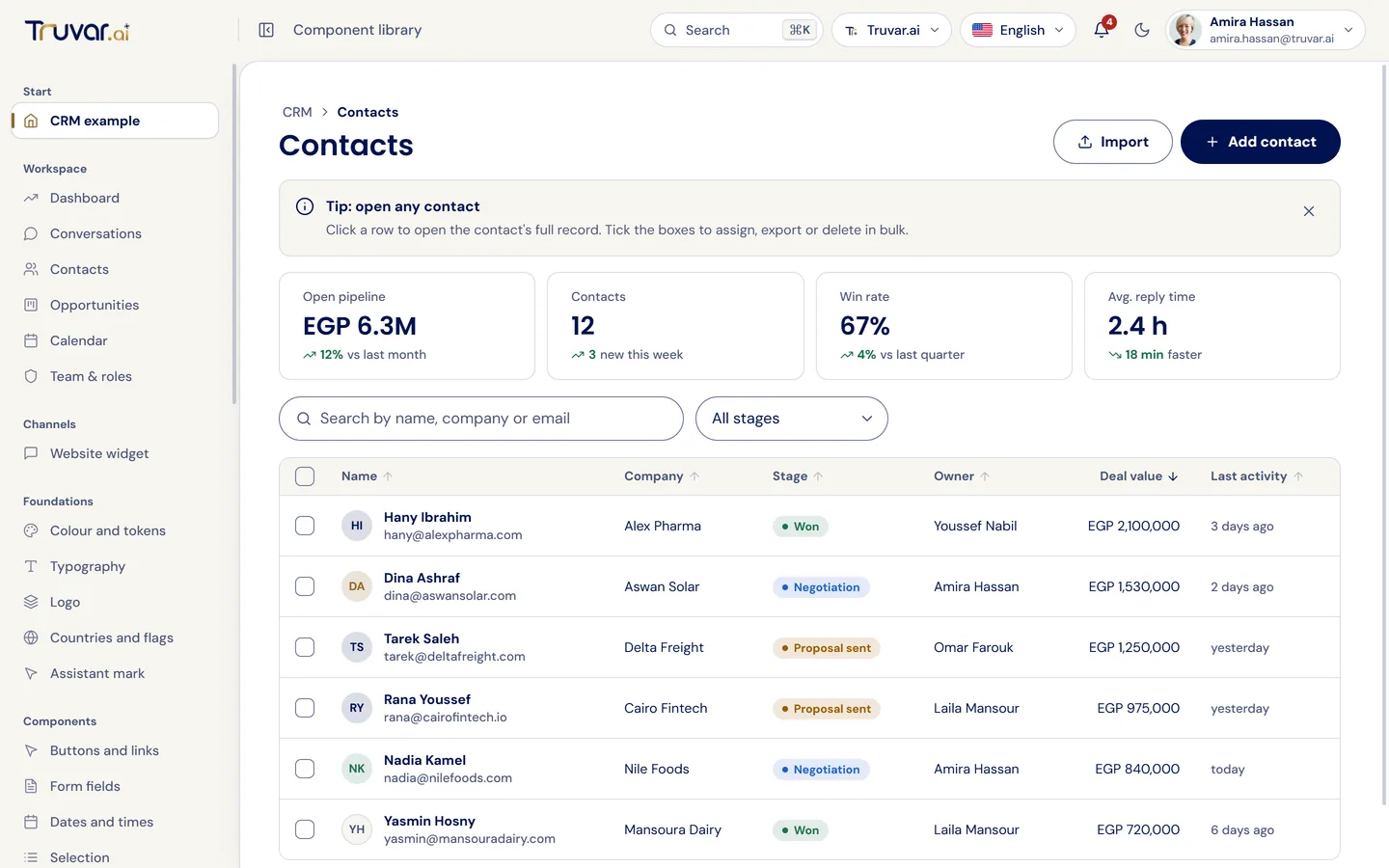
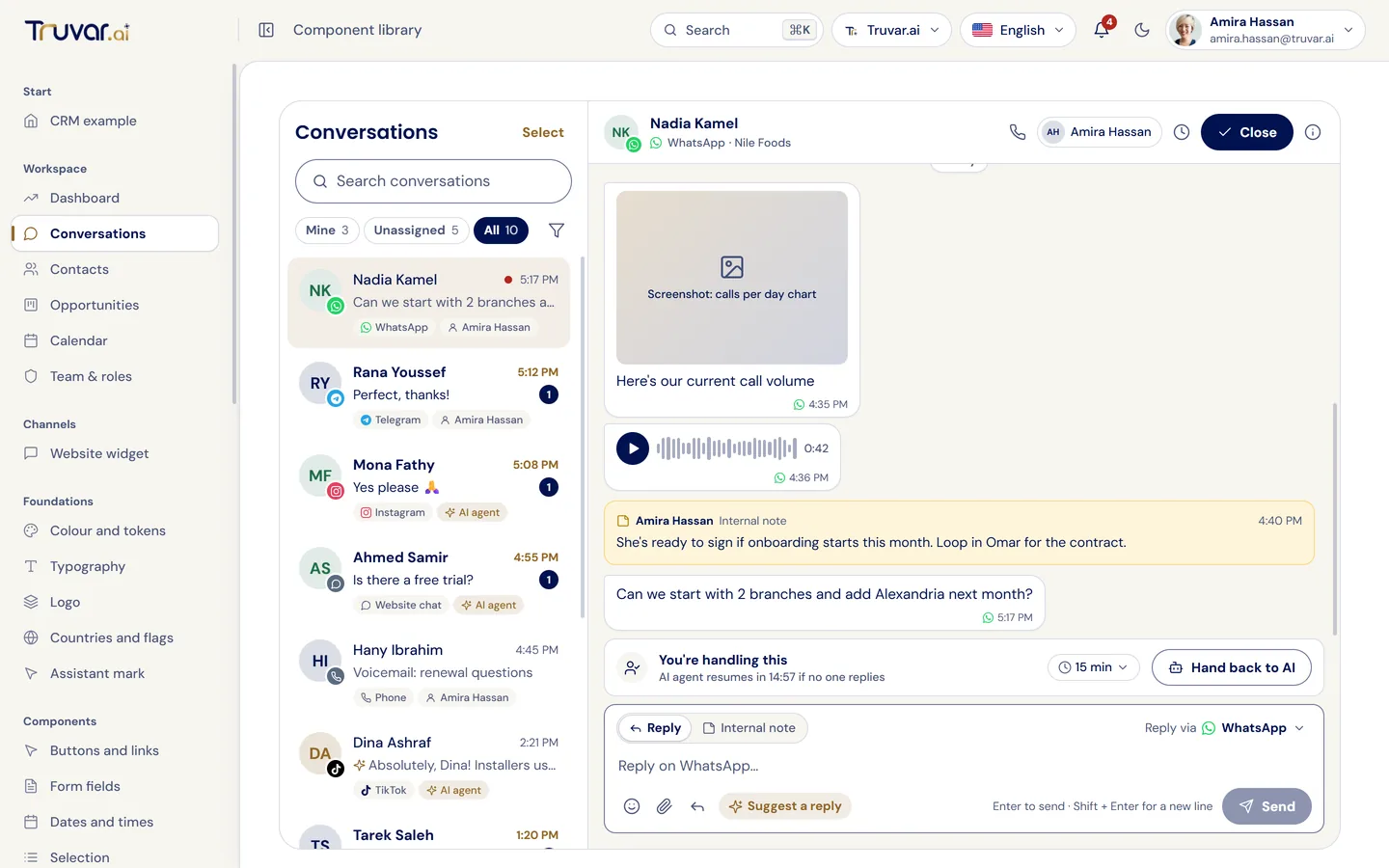
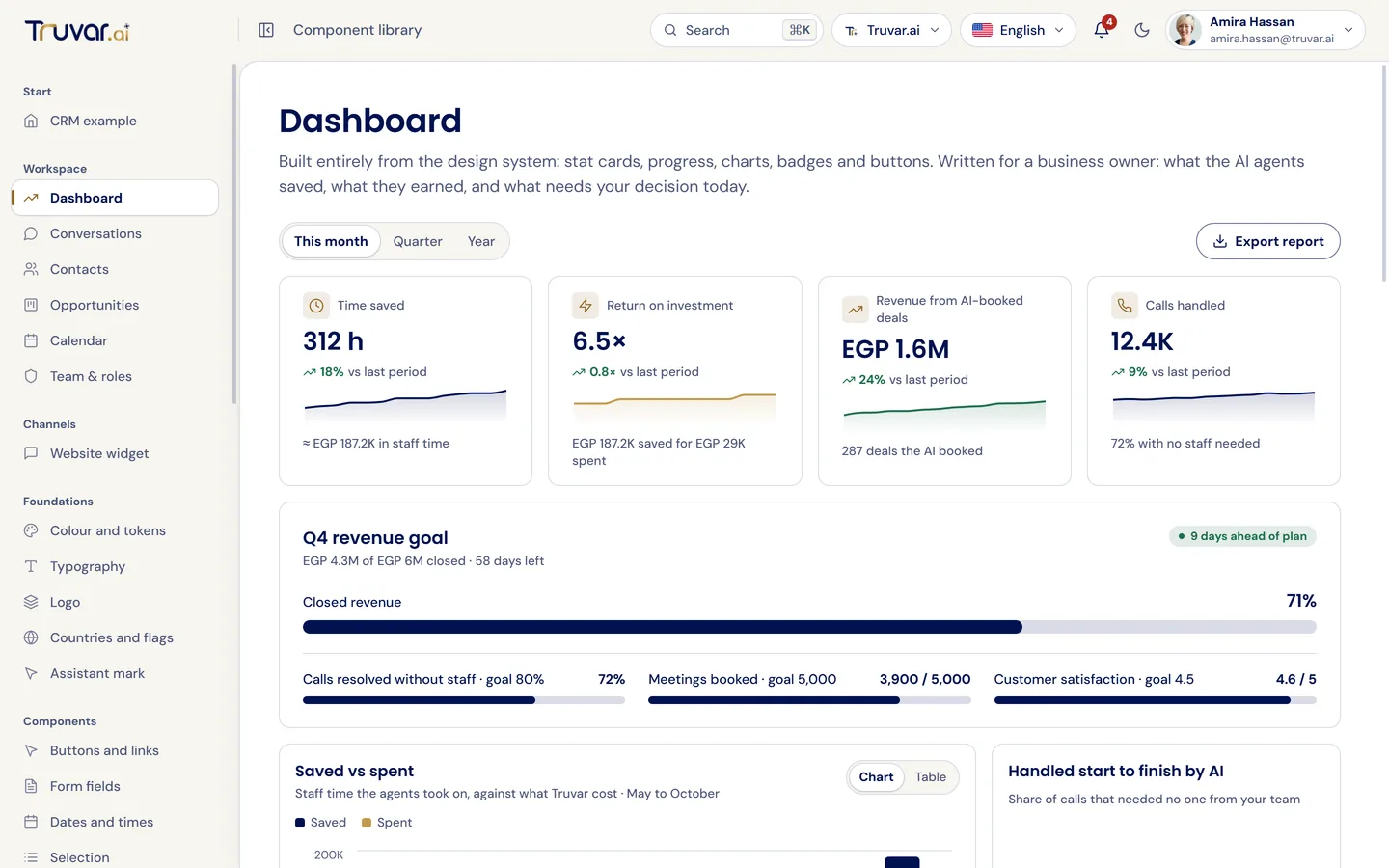
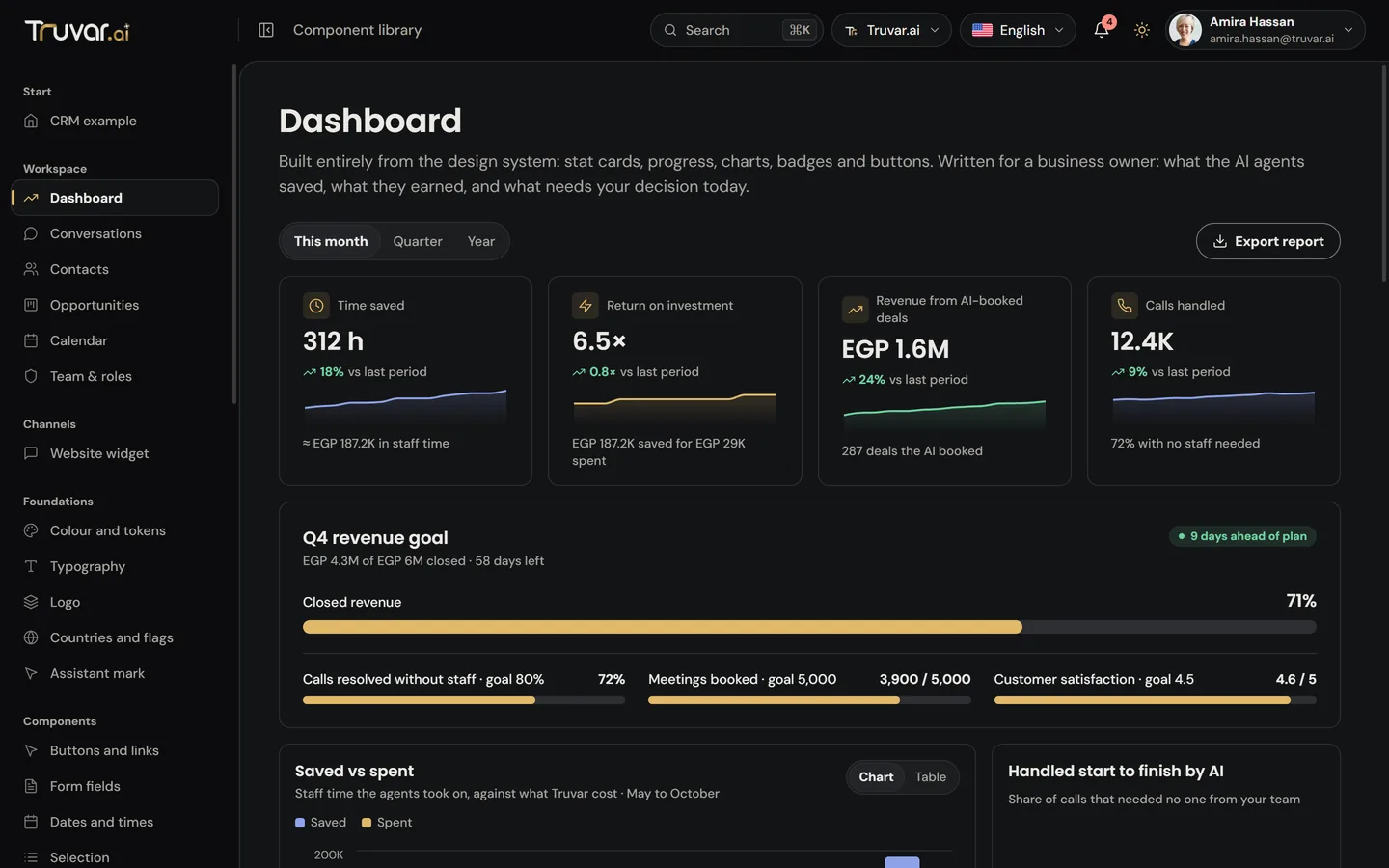
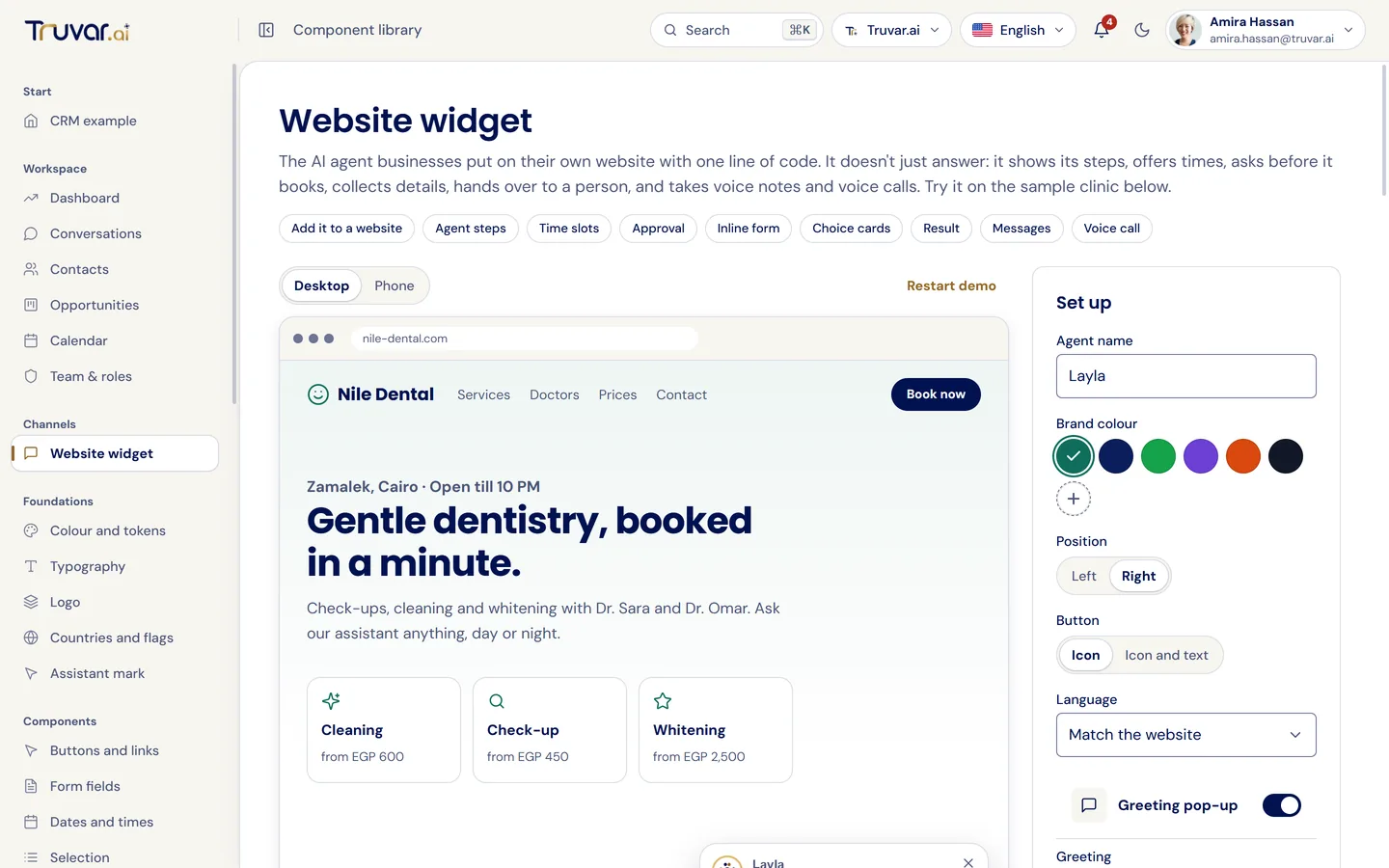
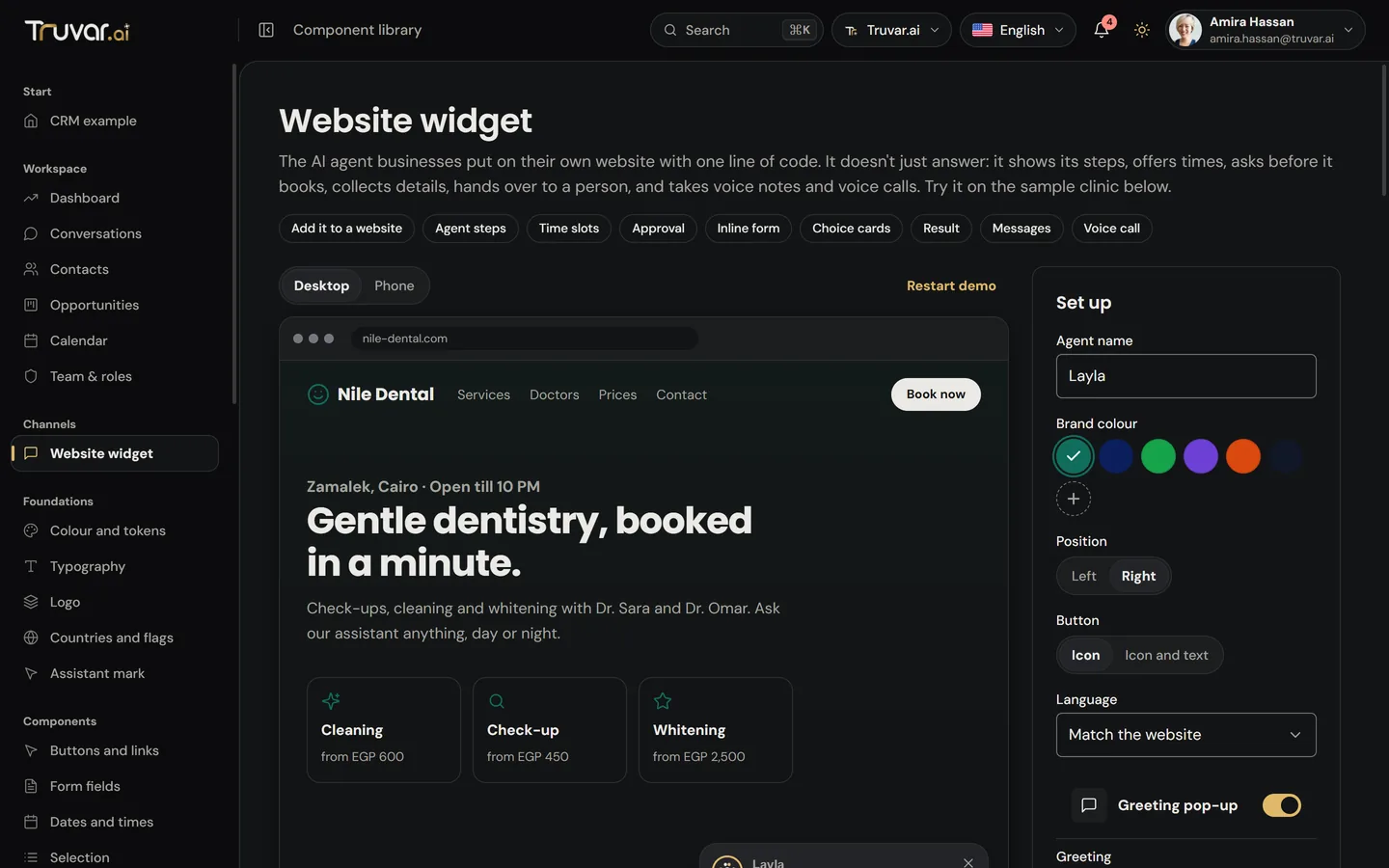
Whole screens, ready to start from
See the components working together in real product screens, in both languages and both themes.
For developers
From install to first screen in minutes
Works with Next.js (App Router and Pages), Vite, Electron and any React 18 or 19 app. Every component is a client component, ready for Server Component pages.
Install the package
pnpm add @truvar-ai/design-systemAdd the styles once
import "@truvar-ai/design-system/styles.css"; export default function RootLayout({ children }) { return ( <html lang="ar" dir="rtl"> <body>{children}</body> </html> ); }Use any component
import { Button, TextField, PhoneField } from "@truvar-ai/design-system";

export function SignUp() {
  return (
    <form>
      <TextField label="Name" />
      <PhoneField label="Mobile" defaultCountry="EG" />
      <Button type="submit">Create account</Button>
    </form>
  );
}
Start building with Truvar
Free and open source. Version 0.0.1, in English and Arabic.